Last updated: September 2026
QuickManager ("the extension") is a browser extension that helps you manage your Sleeper fantasy football leagues.
Data we access
- Your Sleeper authentication token and account ID. These are read from your browser so the extension can act within your own logged in Sleeper session, and so it can confirm that the username you enter matches the account you are signed in as. Both are stored only on your device and are never sent to us or to any third party.
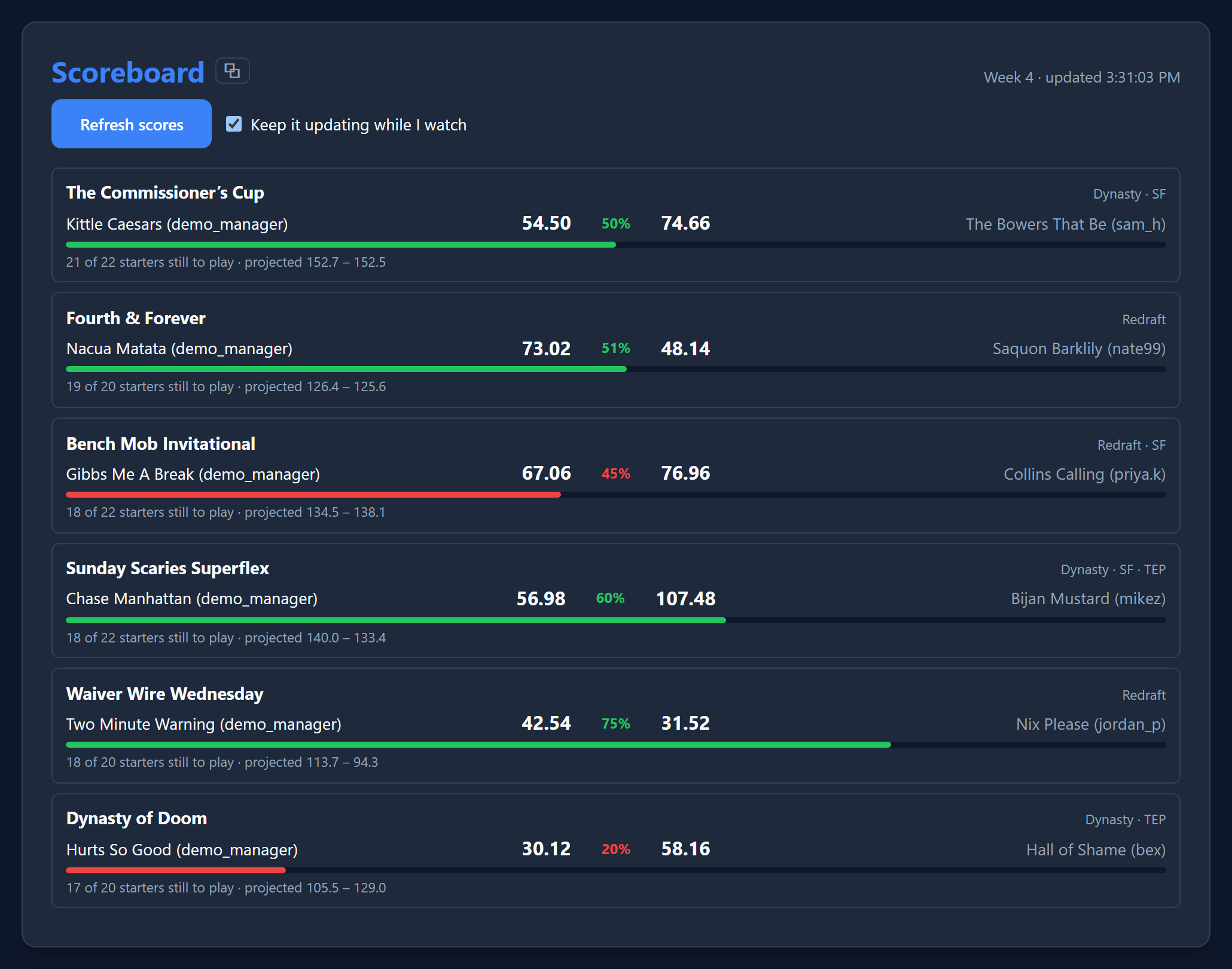
- Your Sleeper league, roster and player data. This is read directly from Sleeper's servers by your browser and used only to show and act on your leagues. It is not collected or stored anywhere other than your device.
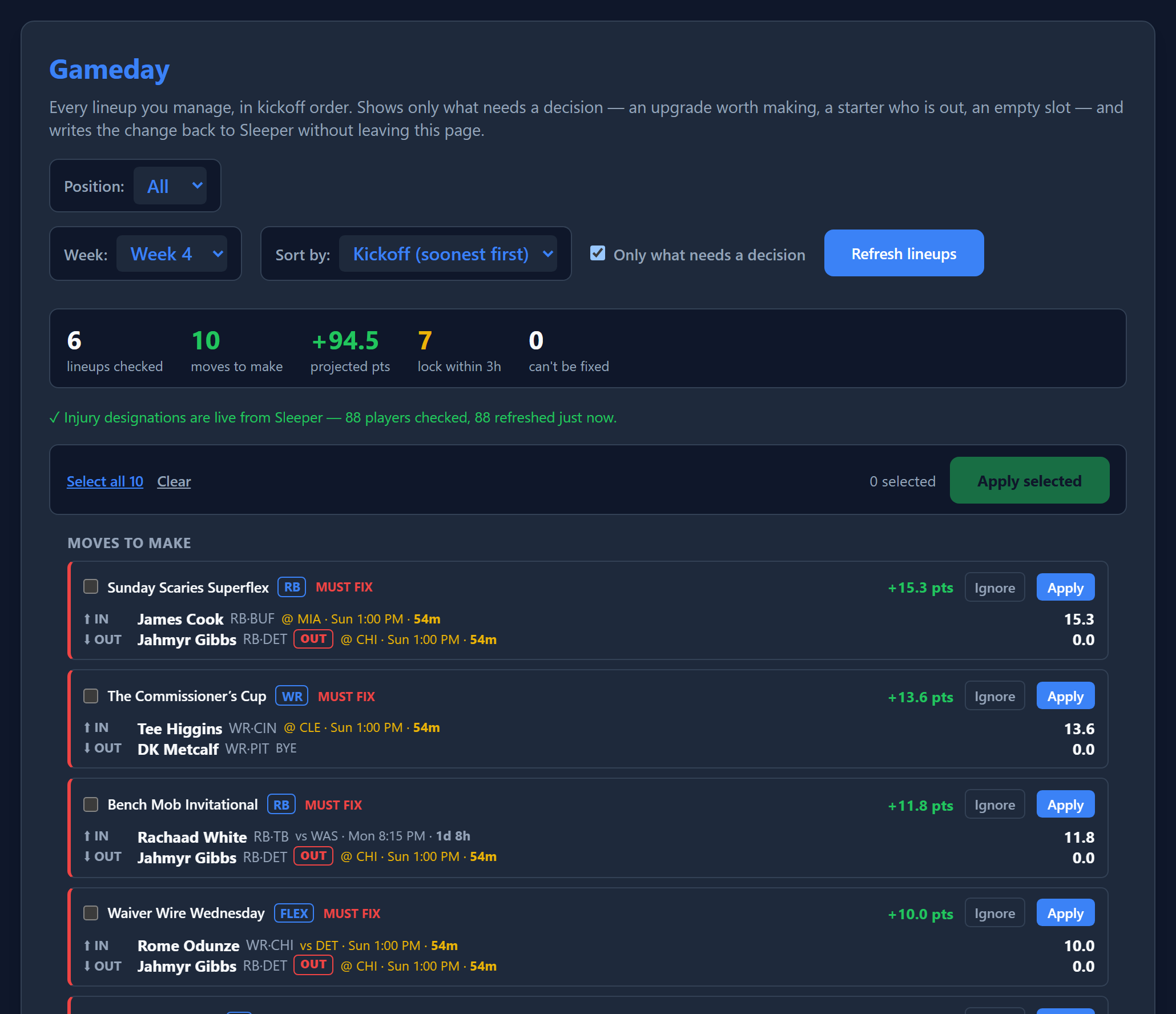
What acting on your leagues means. When you use a feature that changes something, the extension sends that request to Sleeper using your own logged in session, the same as if you had clicked the button on Sleeper's own site or app. This includes setting lineups, submitting or editing waiver claims, proposing, countering or changing trades, moving players to or from IR or the taxi squad, and dropping players. Nothing happens automatically unless you turn on autosub, described below. Every other action is one you start yourself.
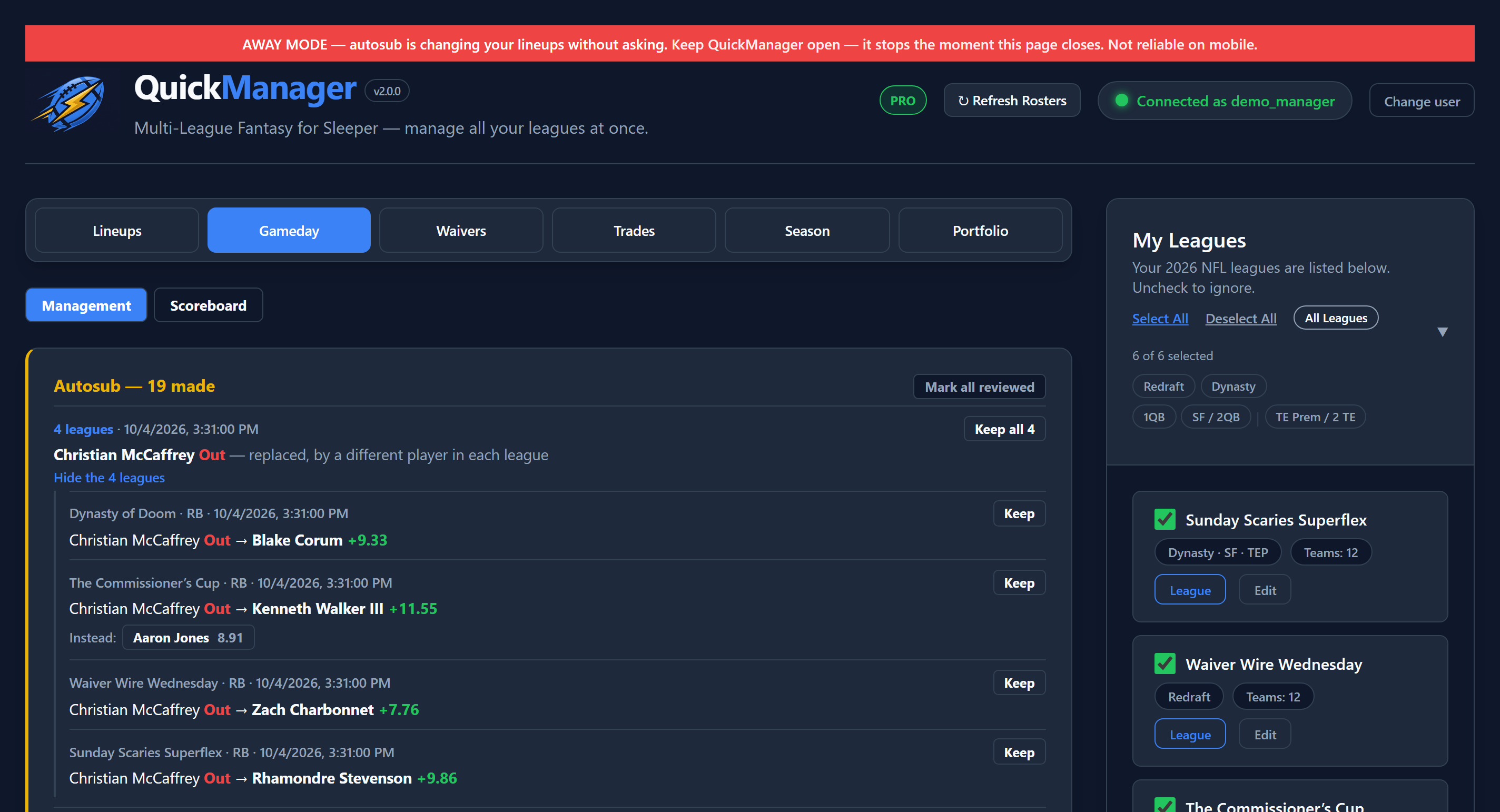
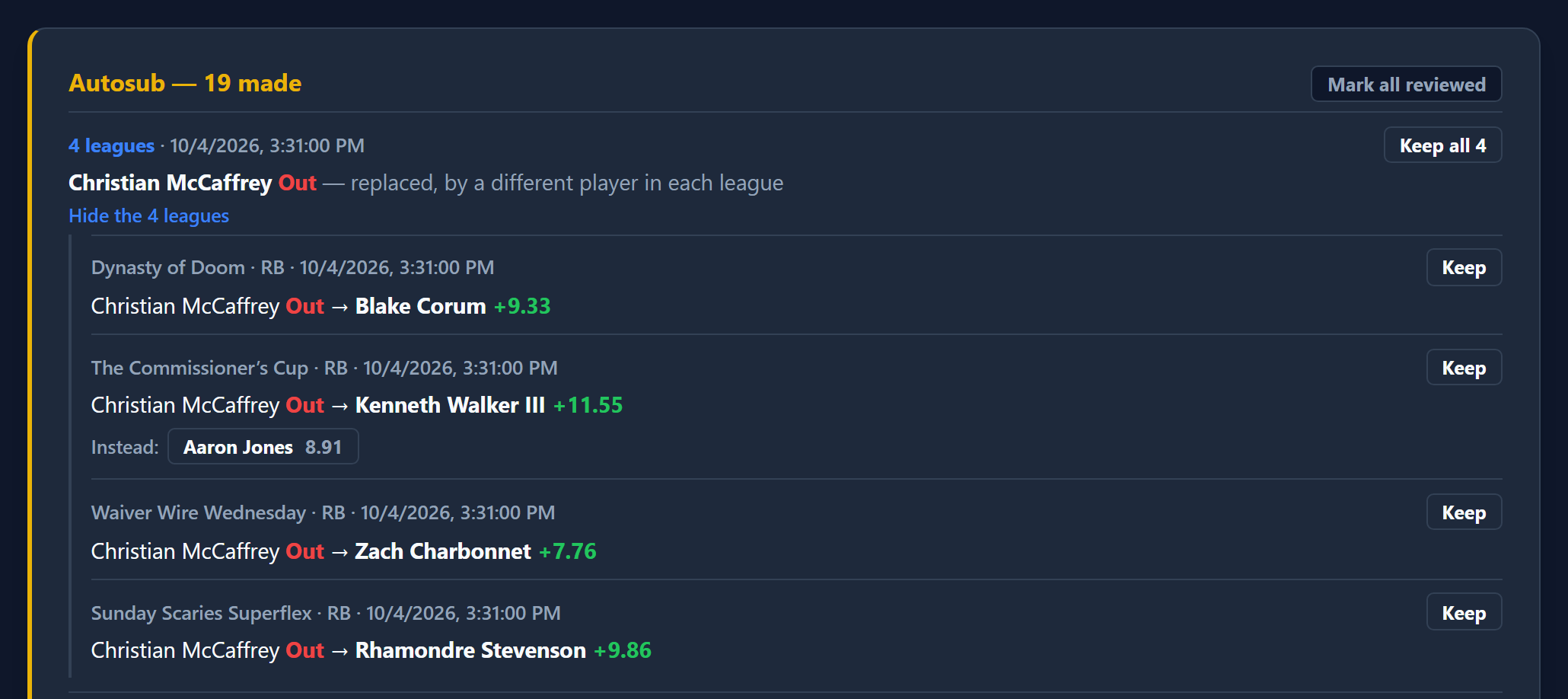
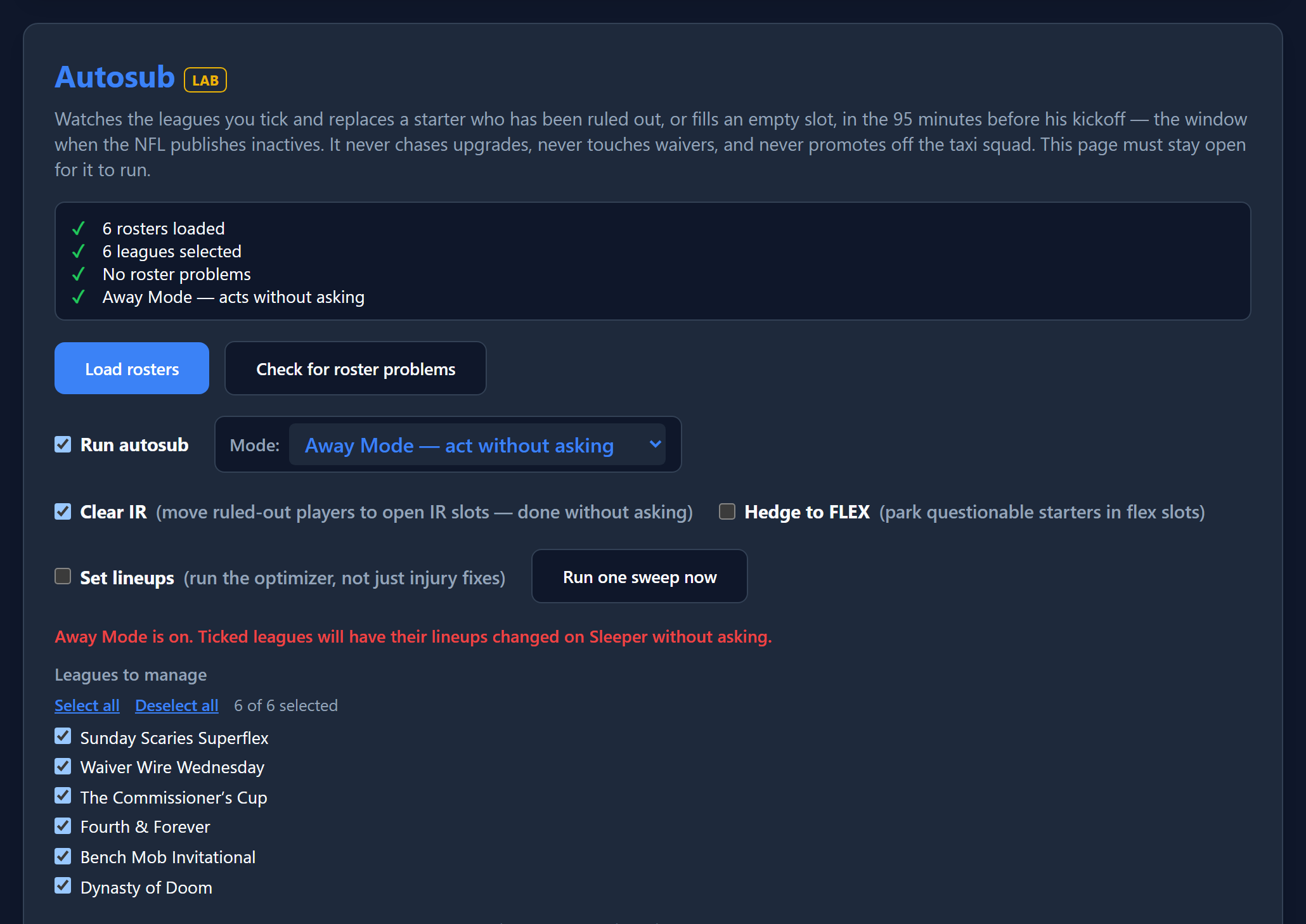
Autosub. If you switch autosub on, the extension checks the leagues you choose while QuickManager is open. Depending on the mode you pick, it either records the lineup and IR changes it would make, waits for your approval, or makes those changes in those leagues without a click from you. It uses the same logged in session and the same kind of requests as any other change, and it keeps a record of every change on your device. It can drop a player only if you have marked that player as droppable in advance. Autosub never runs unless you turn it on, and you can turn it off at any time.
Sending a message for you. When you propose or counter a trade, you can tick a box to also send the other manager a Sleeper direct message with the trade attached. This only happens if you tick that box for that trade. It is never sent automatically, and the extension does not read, store or otherwise access your Sleeper messages beyond delivering that one message.
- Preferences and a cached player list. These are stored on your device so the extension runs quickly.
Data we do not collect
We do not run a server that receives your data. We do not collect, sell or share your personal information, browsing history or Sleeper credentials.
Payments
Optional Pro upgrades are processed by ExtensionPay using Stripe. Your email and payment details are handled by ExtensionPay and Stripe under their own privacy policies. The extension only checks whether your account has an active pass.
Third parties
The extension communicates only with Sleeper (sleeper.com and api.sleeper.app) and, for payment status, ExtensionPay (extensionpay.com).
Affiliation
QuickManager is an independent product and is not affiliated with, endorsed by or sponsored by Sleeper.
Contact
Questions about this policy or your data: quickmanagerfantasy@gmail.com
Changes
We may update this policy from time to time. Material changes will be reflected on this page.